 Flashbag
Cancel your subscription
Stop future renewals in a few clicks. Everything you made stays on your computer.
 Mitchel
2 min read · 2:05 watch
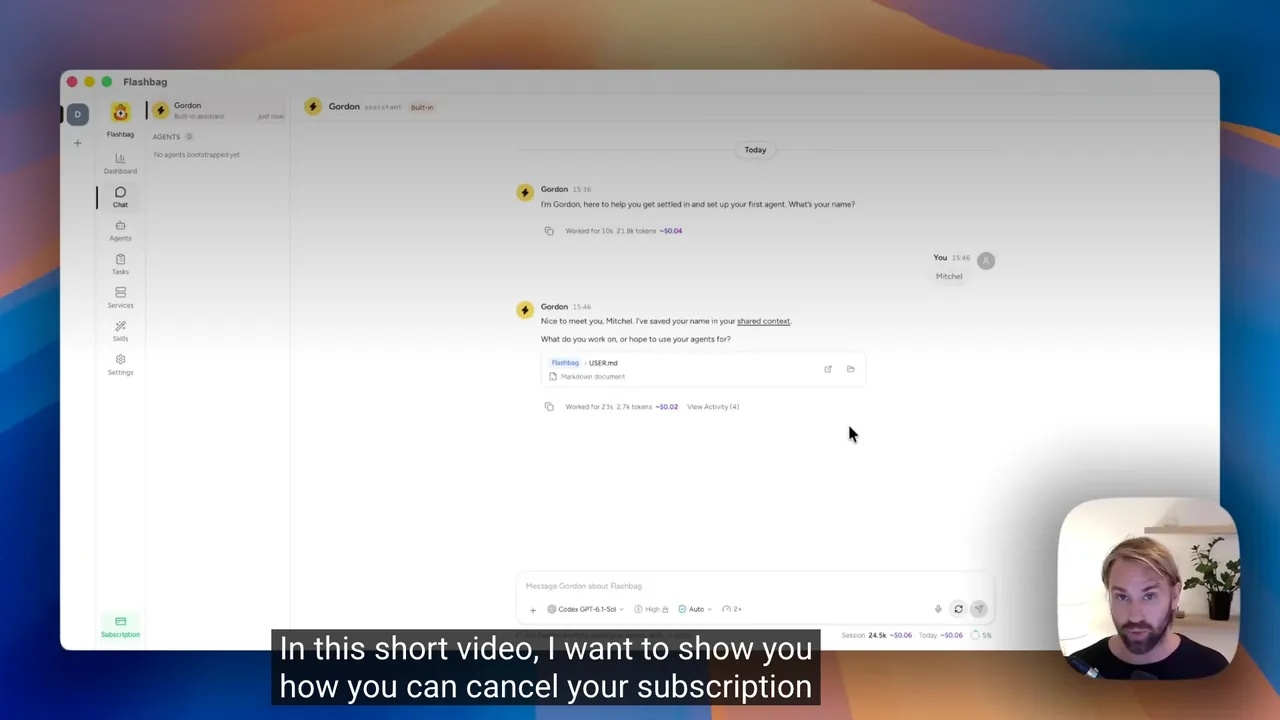
Before you start
We want Flashbag to be something you really enjoy using. If it isn’t right for you, cancelling shouldn’t be a hassle. There are two ways to do it, and both take less than a minute.
From inside Flashbag
One click opens your subscription page, already signed in.
At my.flashbag.io/manage
Enter the email address you signed up with, and we email you a link to your subscription page.
1. Open your subscription
Option A: from inside Flashbag
Click Subscription
In Flashbag, click Subscription at the bottom left of the window.
Choose Manage Subscription
Click Manage Subscription. Your subscription page at my.flashbag.io/manage opens straight away. You don’t need to sign in again.
Option B: from any browser
Go to my.flashbag.io/manage
Open my.flashbag.io/manage on any computer or phone.
Enter your email address
Use the email address you signed up for Flashbag with. We send you an email with a link.
Open the link in the email
The link opens Manage your subscription.
2. Cancel future renewals
Click Cancel future renewals
On Manage your subscription, click Cancel future renewals.
Check the date
Flashbag asks you to confirm that you want to stop future renewals of your plan. It also shows the date you keep access until: the end of the period you already paid for.
Click OK
Your subscription is cancelled. You won’t be charged again on the payment method you used for Flashbag.
3. What happens next
Changed your mind later? Subscribe again and you pick up where you left off, with the same agents, memory and files.
Questions about cancelling
Will I lose my agents, memory or files?
No. Everything lives on your own computer, not with us. After your access ends, Flashbag is read-only: you can open it and see everything, but your agents can’t do new work.
Do I lose access the moment I cancel?
No. You keep full access until the end of the period you already paid for. The confirmation shows that date before you click OK.
I didn’t get the email from my.flashbag.io/manage.
Check that you entered the email address you signed up for Flashbag with, and look in your spam folder. Or open Flashbag and use Subscription → Manage Subscription, which needs no email.
Can I come back later?
Yes. Subscribe again and Flashbag works as before, with everything you made still in place.
Something not working, or want to tell us why?
Contact us. We read every message. ↗